Personal licence
For your own channels and portfolio.
May
- Edit and publish your own work
- Use on your own social accounts
- Use on one seat per licence
May not
- Deliver work to paying clients
- Resell or share the files
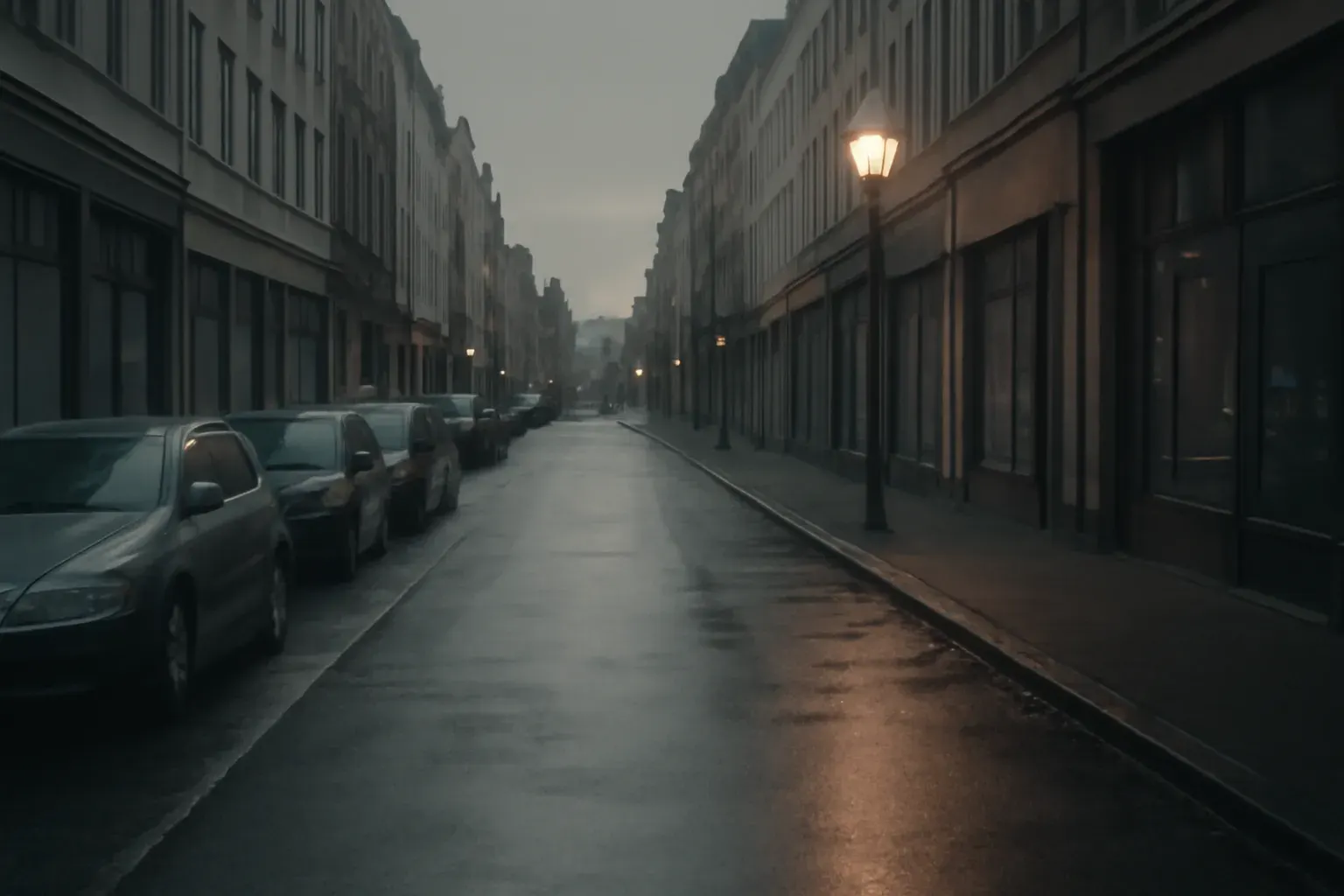
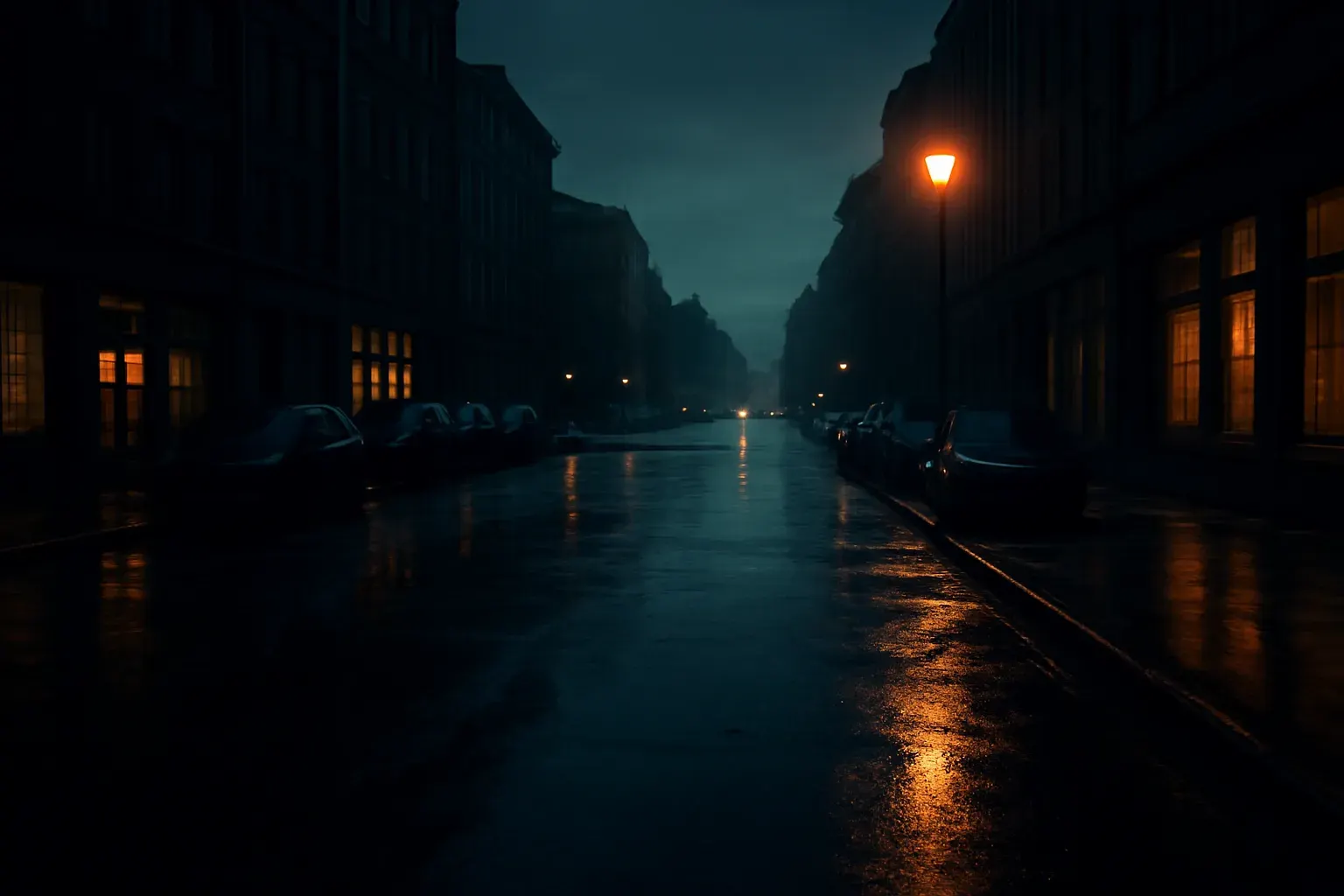
Use the arrow keys to move the divider.
A neutral starting point for footage that should look like film, not like a preset.
Instant download after payment: a ZIP and a licence PDF. Free updates to files you bought. If a file is faulty or not as described, we fix it or refund you. Digital content: the 14-day withdrawal right ends once the download starts, with your consent at checkout. Refund and withdrawal policy
| Formats | .CUBE |
|---|---|
| Delivery | Instant download after payment (ZIP + licence PDF) |
| Updates | Free updates to purchased files |
Use the arrow keys to move the divider.
STEP A
Download the ZIP from your confirmation page or email.
STEP B
Unzip it and open the readme.
STEP C
Copy the .CUBE files into your editor's LUT folder, or load them from the Lumetri and Color panels.
A safe first pack for interviews, b-roll and short films.
A consistent base across cameras before a client-specific tweak.
Not for you if: you want a heavily stylised, teal-and-orange look. This pack is deliberately quiet.
For your own channels and portfolio.
May
May not
For client work and paid projects.
May
May not
Also in the Video Creator Bundle for €79 (€124 separately).
€79 €124 if bought separately
Also in the All-Access Studio Bundle for €149 (€429 separately).
€149 €429 if bought separately
FAQ
The pack's PDF names it. Footage in another profile needs a conversion first.
Yes. Use the LUT's intensity or a node or adjustment layer with reduced opacity.
Yes, through the Custom LUT effect.