Personal licence
For your own channels and portfolio.
May
- Edit and publish your own work
- Use on your own social accounts
- Use on one seat per licence
May not
- Deliver work to paying clients
- Resell or share the files
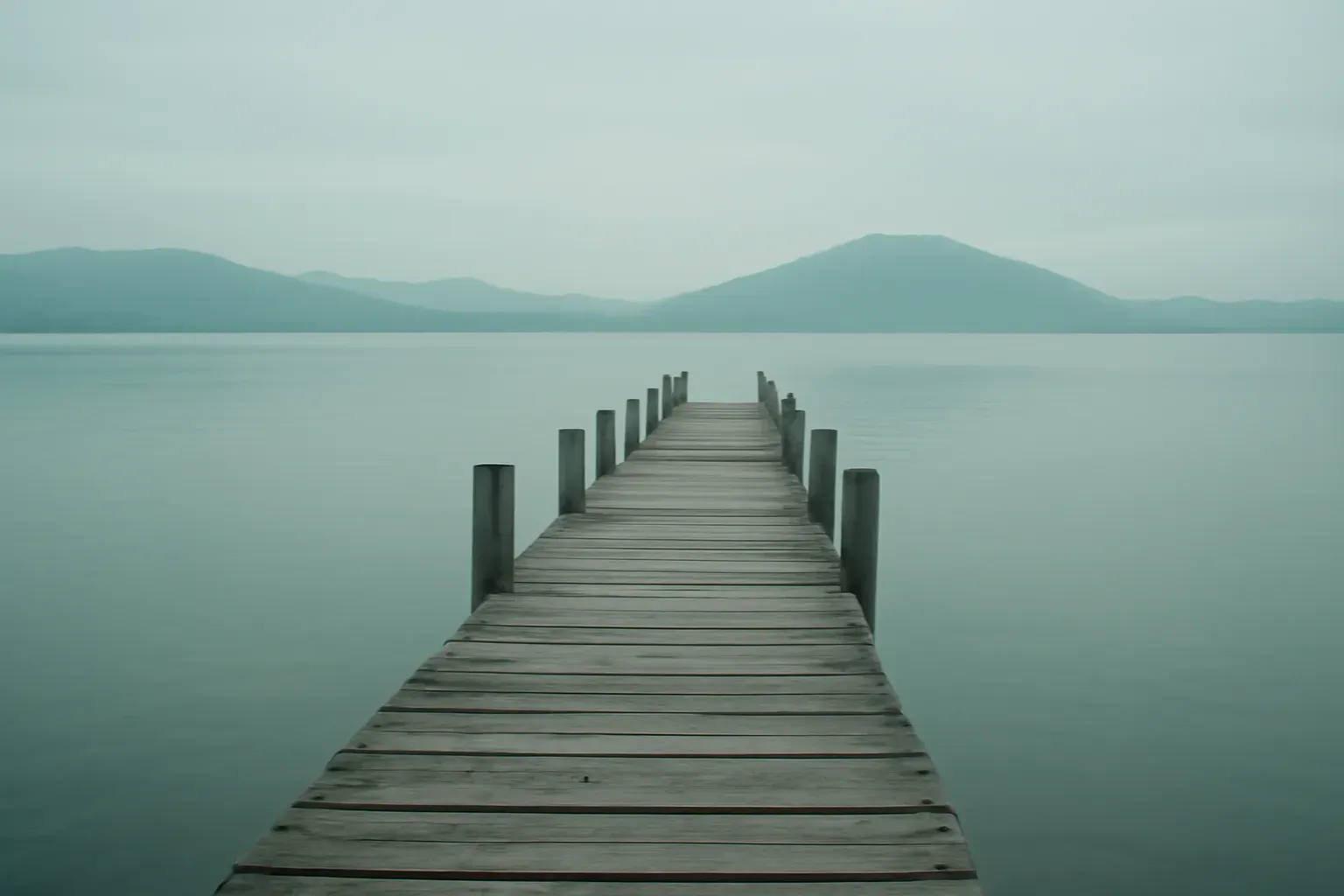
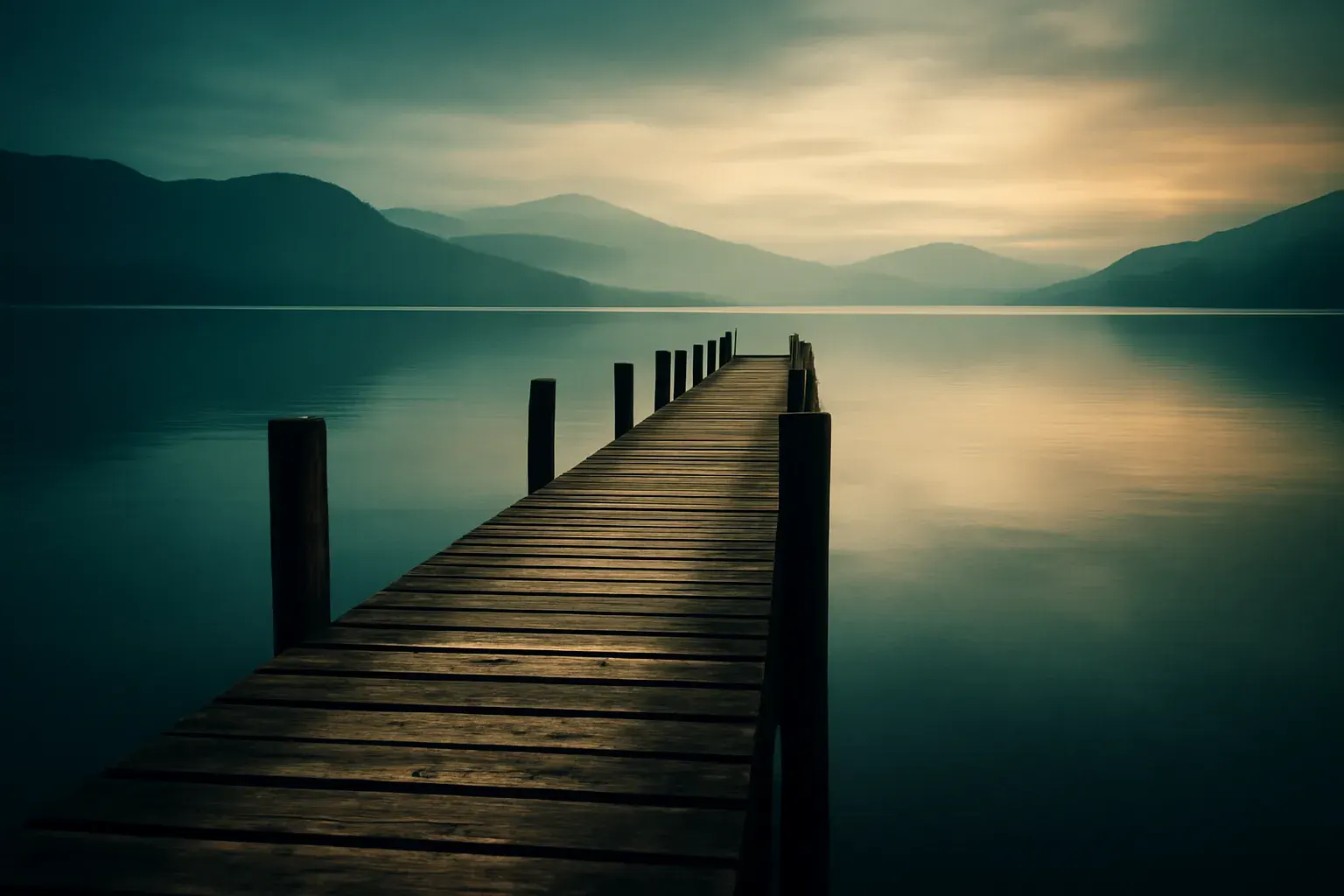
Use the arrow keys to move the divider.
A finished edit from the phone in your hand.
Instant download after payment: a ZIP and a licence PDF. Free updates to files you bought. If a file is faulty or not as described, we fix it or refund you. Digital content: the 14-day withdrawal right ends once the download starts, with your consent at checkout. Refund and withdrawal policy
| Formats | .DNG |
|---|---|
| Delivery | Instant download after payment (ZIP + licence PDF) |
| Updates | Free updates to purchased files |
Use the arrow keys to move the divider.
STEP A
Download the ZIP from your confirmation page or email.
STEP B
Unzip it and open the readme.
STEP C
Import the DNG files into Lightroom Mobile, open one, and copy its settings onto your photo.
Edit on the train, post before you get home.
A dependable set when a laptop is not with you.
Not for you if: you edit only on desktop. The .XMP packs (North Light, Film Stock Studies) fit that better.
For your own channels and portfolio.
May
May not
For client work and paid projects.
May
May not
Also in the Photo Creator Bundle for €59 (€93 separately).
€59 €93 if bought separately
Also in the All-Access Studio Bundle for €149 (€429 separately).
€149 €429 if bought separately
FAQ
Yes. DNG presets work in the free version of Lightroom Mobile.
The app reads presets from the settings stored inside a DNG file. The guide shows the import.
You can open the DNGs on desktop and copy settings, but the .XMP packs are made for desktop.